Optimize your customer experience with WhatsApp

Elsa Paparone
Share :
Introduction
Since the opening of WhatsApp Business APIthe French platform smsmode© provides you with its corresponding API. This allows you to easily send automated WhatsApp messages directly through your applications.
Sending this type of message allows you to enrich your exchanges with your customers (sharing images, videos, locations and much more...) while being universal and immediate - a novelty that could well revolutionize your customers' mobile sending experience!
What type of message can be sent?
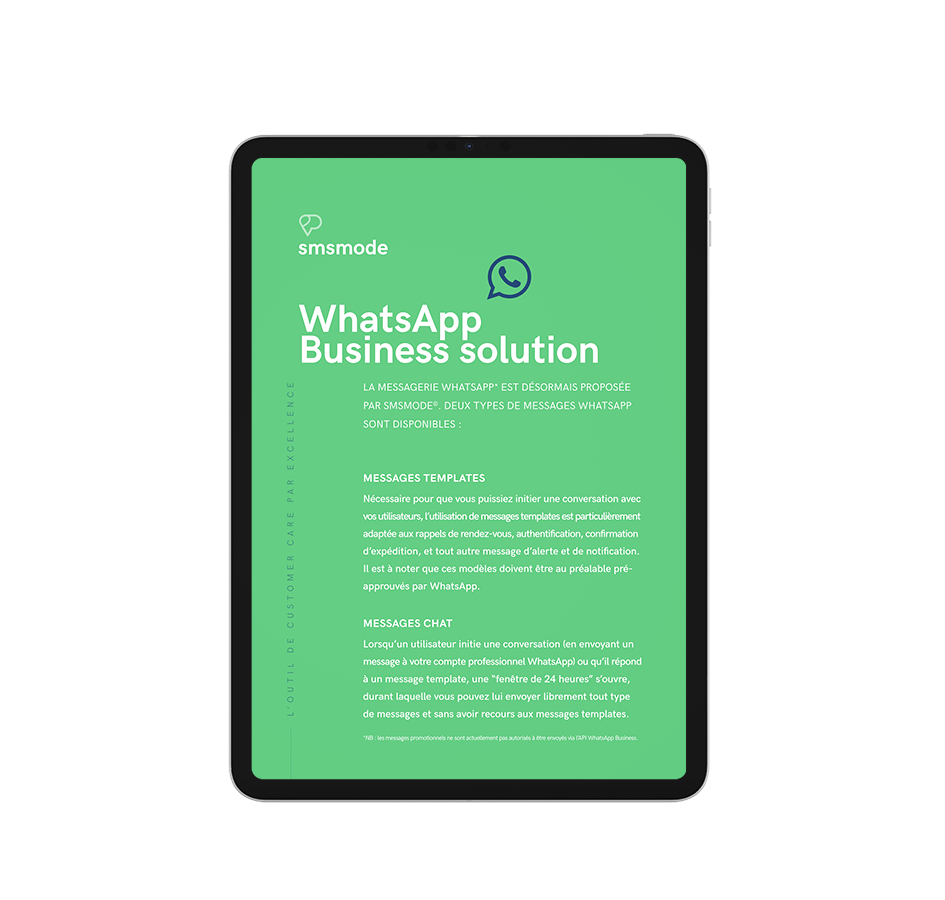
Originally, WhastApp Businness messaging was reserved for notification and conversation with a customer. But since 2024, Meta has eased the shackles on marketing content. With its ease of use and capabilities, the WhatsApp channel makes it possible to reply to your messages or initiate the exchange. A real gateway to conversational commerce.
This channel allows you to enrich your users' customer experience by making a variety of media available.
WhatsApp lets you create a standard scenario. You design the framework from A to Z according to your field of activity, and guide your user to the desired finality (e.g. Answer A for yes and B for no). A precise scenario is developed, which will ensure exceptional feedback.
Creating such communication ecosystems will enable you to reduce your costs (after-sales service or support), save time and leave a positive imprint on the user (like the speed with which you can search for a train ticket via the SNCF's WhatsApp number, for example, to whom we say thank you!)
You can communicate with your customers by:
- Sending WhatsApp templates validated by Meta
- Sending replies in a WhatsApp conversation managed by you
- Sending videos
- Sending PDFs
- Sending sound files
These exchanges take place:
- Via Customer Window : available 24 hours a day
- Via message models or templates set up by the company.
How do you set it up?
In order to start using WhatsApp services, you need to be in possession of a Facebook ID. You may be wondering how to generate this ID, in which case follow the instructions via this link.
Obtaining an account WhatsApp (WABA stands for WhatsApp Business Account), uses this ID that you will send us, together with a phone number available (WhatsApp sender). Then it's smsmode© which acts as a link between you and Facebook to set up your account.
Once you have your WABA, you're free to choose whether to start the conversation or to encourage your customers to do so (by displaying your WhatsApp number on your website, for example).
How WhatsApp Business can help you (whatever your sector)
Like SMS, this new communications medium is adaptable to a wide range of situations and sectors.
One objective: to improve customer care. You'll be able to conduct a survey, ask if the customer needs an additional service, reschedule an appointment, cancel a meeting, send an invoice or buy a train ticket... The possibilities are as vast as your users' needs.
WhatsApp Business is suitable for all sectors:
- Hotels
- Telecommunications
- Sport and Wellness
- Transport (airlines, railways, coaches & buses, etc.)
- Various health applications - Temporary work
Try out our SMS platform and benefit from 20 free test credits, with no obligation.